Step by Step Access to cPanel Account (to set up cPanel Webmails)
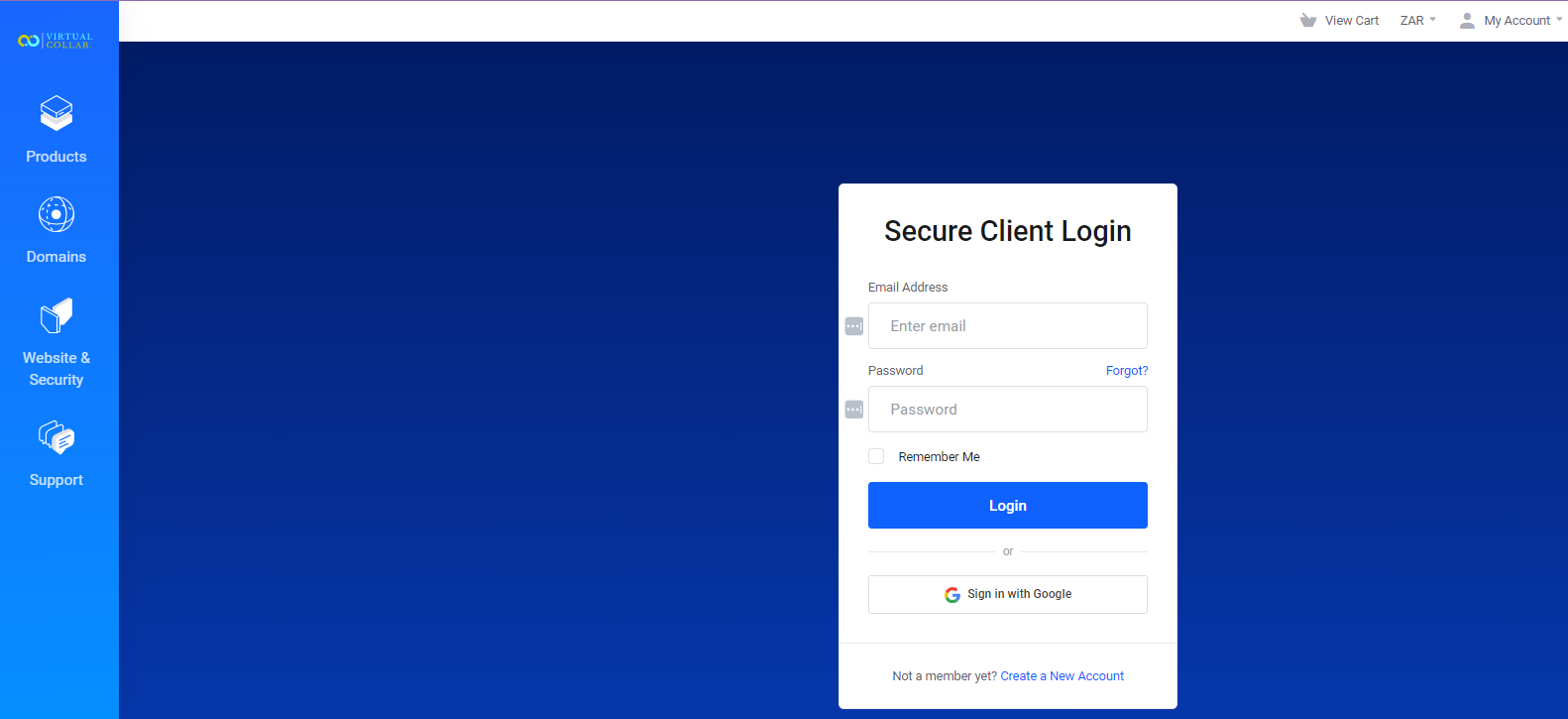
Picture 1: The client must access client area via this link (https://clients.virtualcollab.co.za/index.php?rp=/login)
- Login with username & password
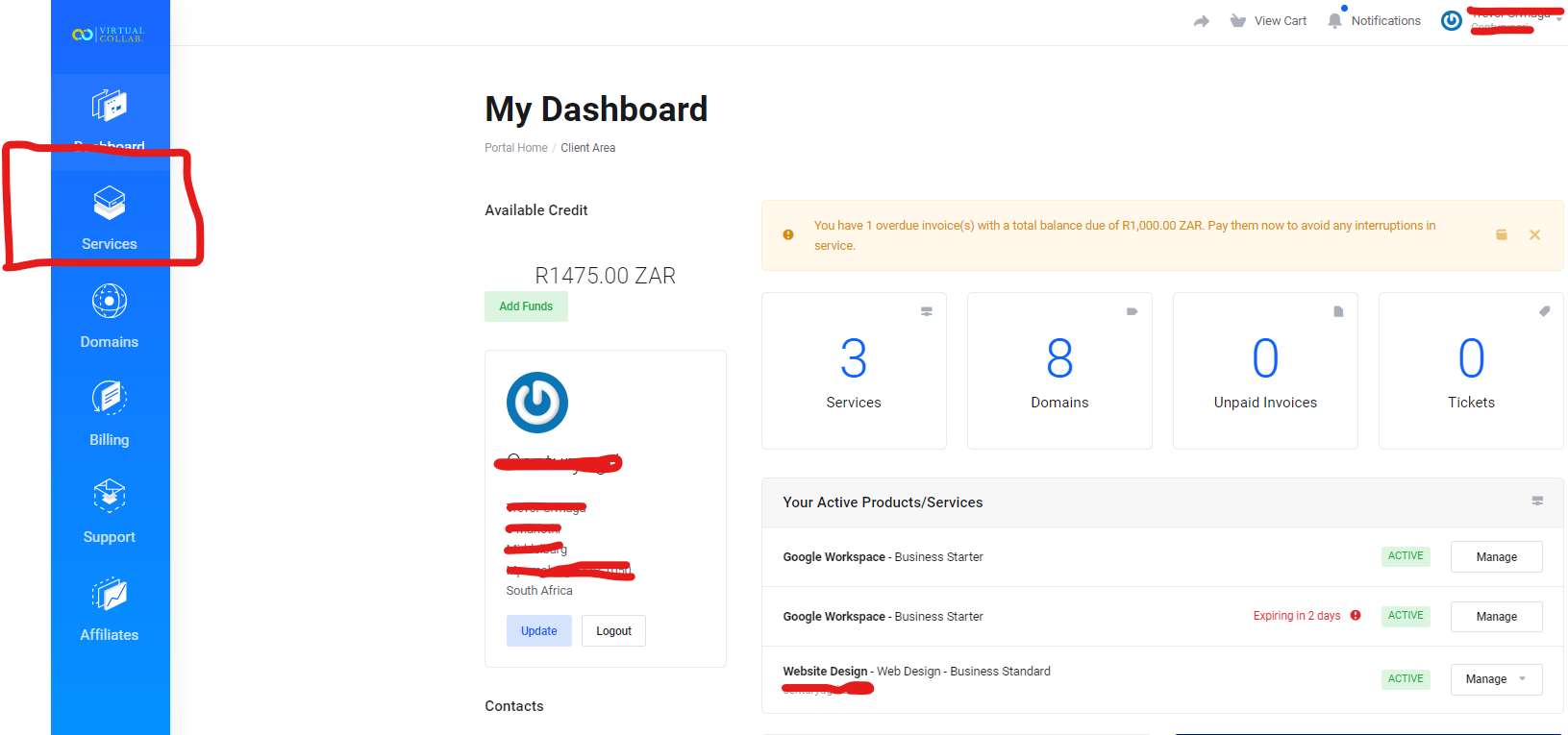
Picture 2: Click Services on left bar
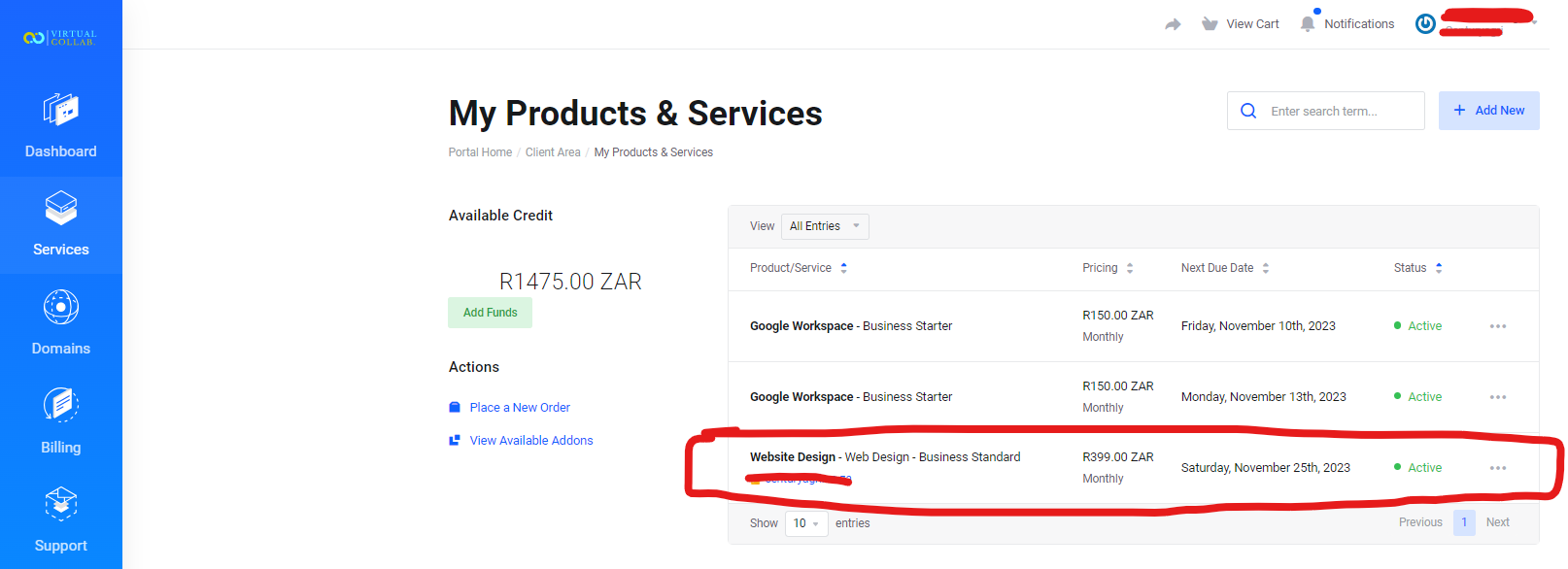
Picture 3: Click Website Design Service
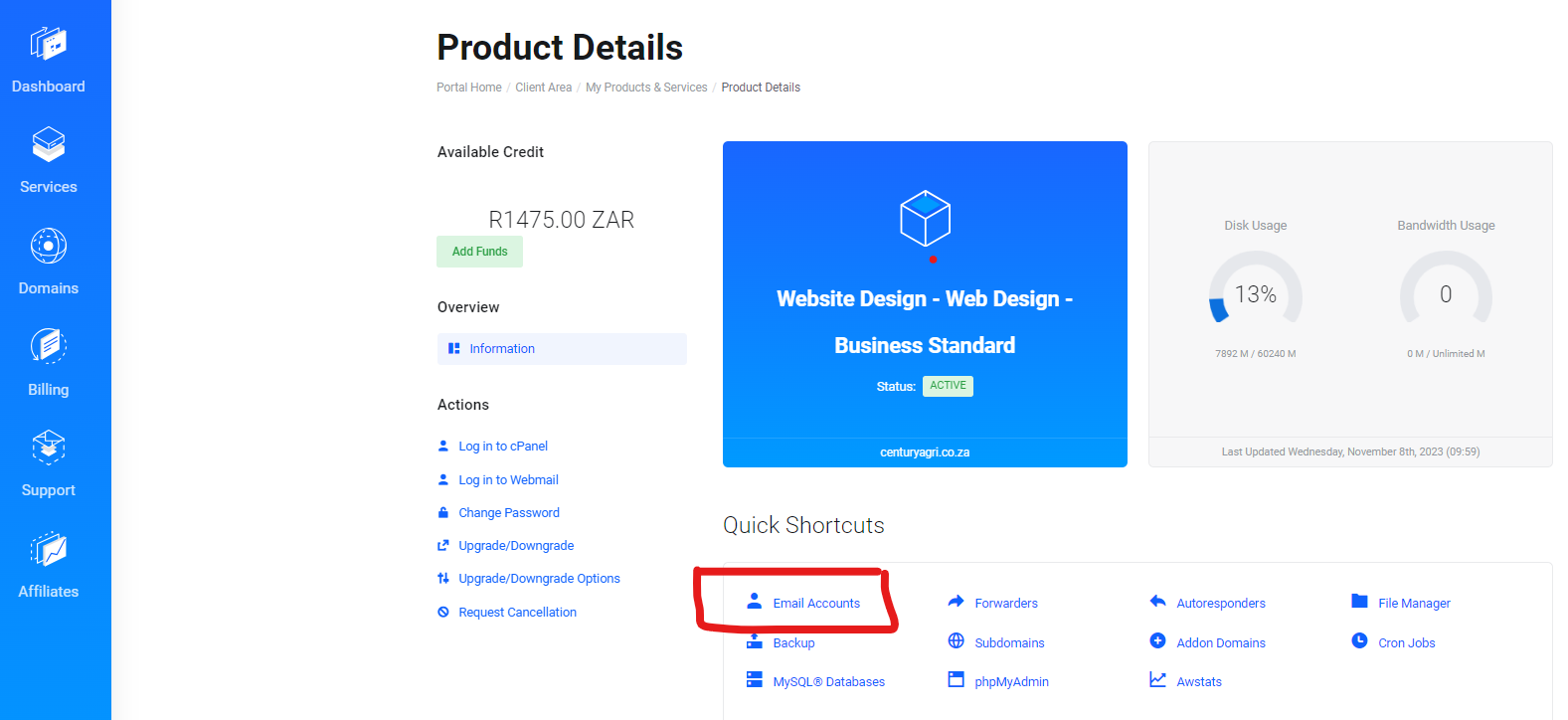
Picture 4: Click on Email Accounts
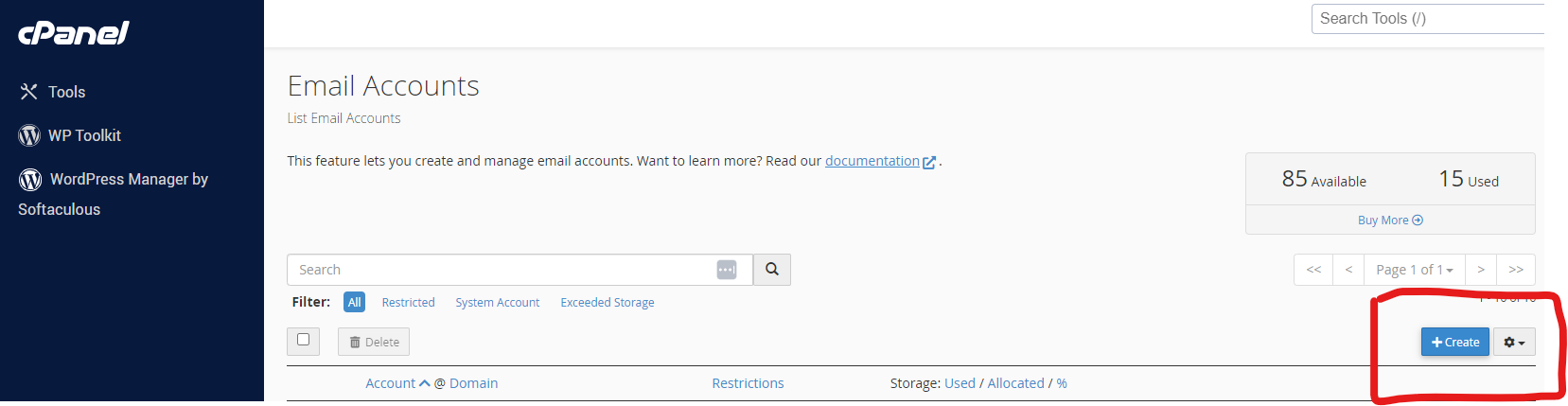
Picture 5: Click on create
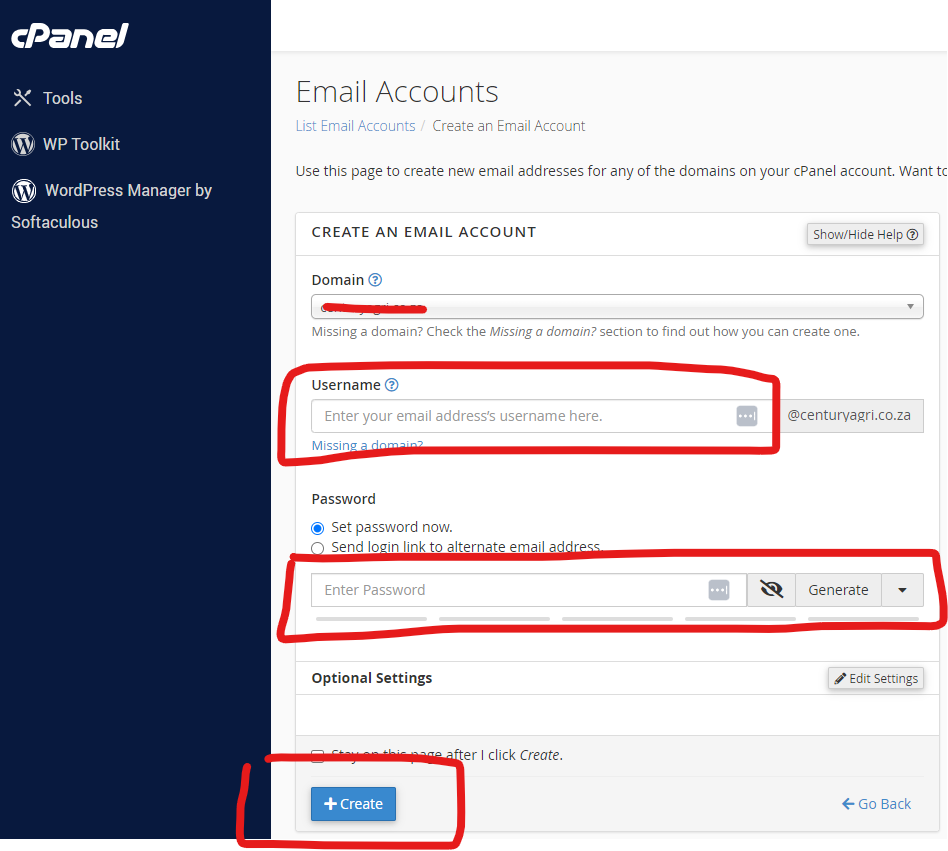
Picture 6: Enter Desired Username and Password then click "Create"
Next Choose one of the links below with steps to set up email based on device
Option 1: How to Set Up a cPanel Email Account for Android™
Option 2: How to Set Up a cPanel Email Account for iOS®
Option 3 : How to Setup a POP3 Email Account in Windows Mail (Recommended)
Option 4: Import POP3 email into Gmail Account Laptop